Studying from text
Highlight, annotate, quote, bookmark, share the exact line.
Case study · Conceptual project
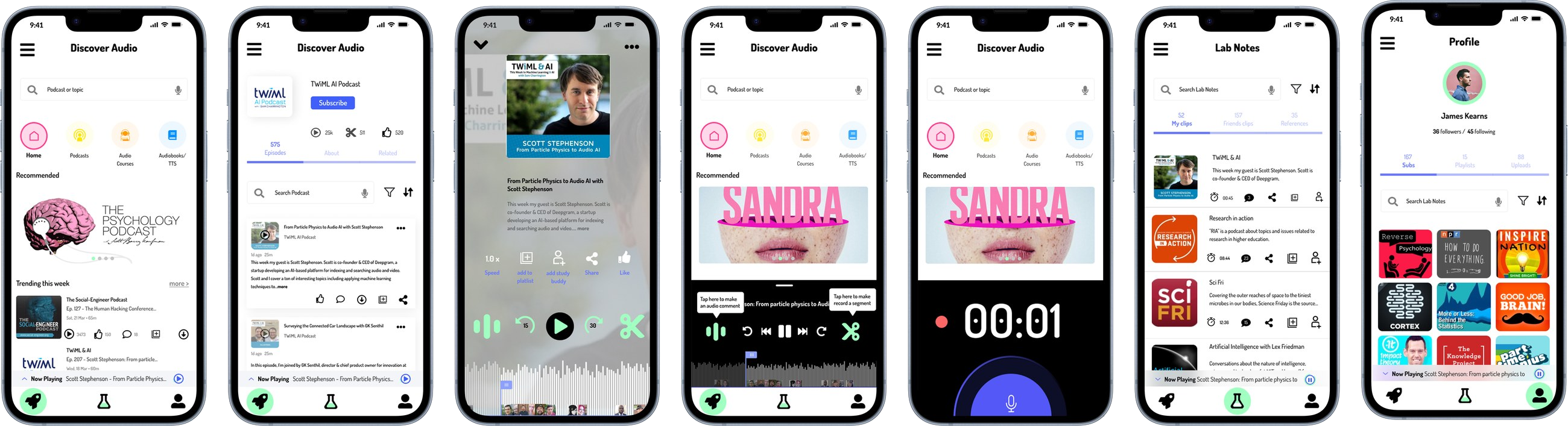
Jess is a conceptual mobile app that helps university students turn audio into reusable study material: clip a useful moment from a podcast, audiobook, or uploaded text-to-speech file, get a transcript, save it to lab notes, and discuss it with a study partner around the exact timestamp.
Students have good tools for studying from text. They can highlight a PDF, annotate an article, copy a quote, and share a reference that points to the exact line.
The problem I focused on was keeping that same precision while listening. A useful idea sits inside a 40-minute episode, and unless the student stops to note a timestamp or switches to a separate notes app, it’s gone. Sharing is worse — a podcast link tells a study partner nothing about which two minutes mattered.
Studying from text
Highlight, annotate, quote, bookmark, share the exact line.
Studying from audio
The useful moment is buried; a whole-episode link carries too little context.
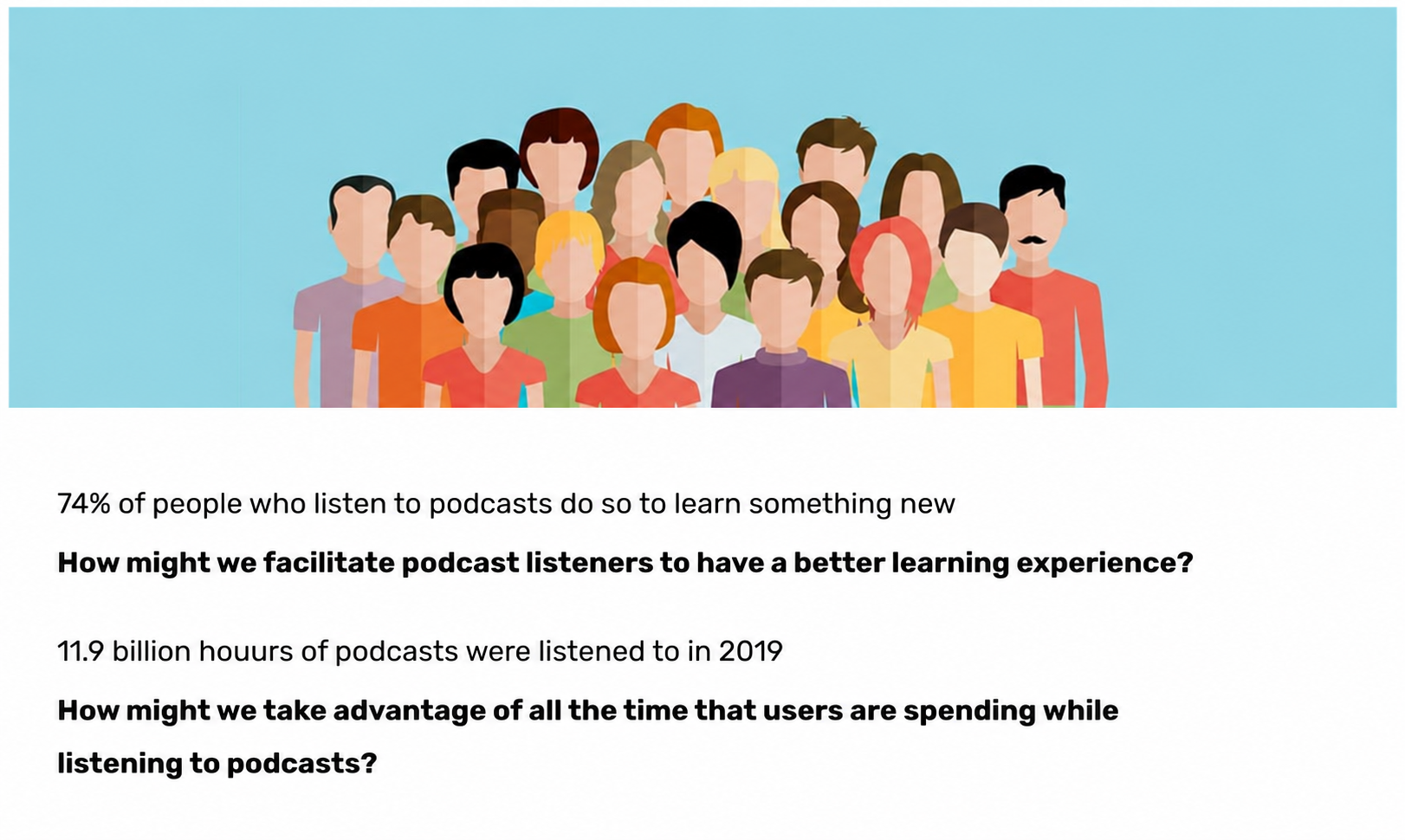
The question this kept coming back to: how might we help students capture, organise, and discuss useful moments from audio as easily as they already do with text?
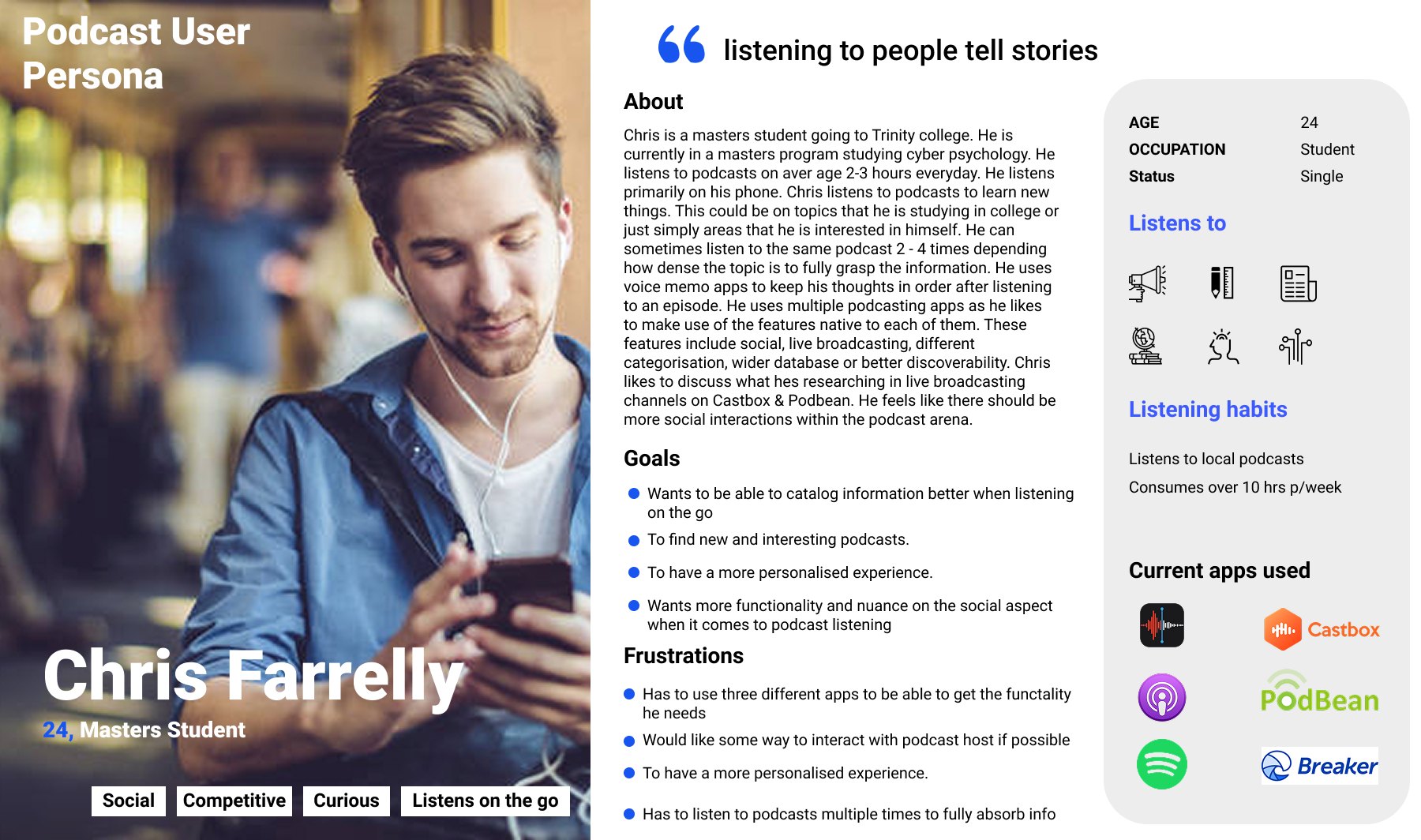
The primary user is a research-heavy university student, using podcasts, recorded lectures, audiobooks, and uploaded readings while working on essays, assignments, and group study.
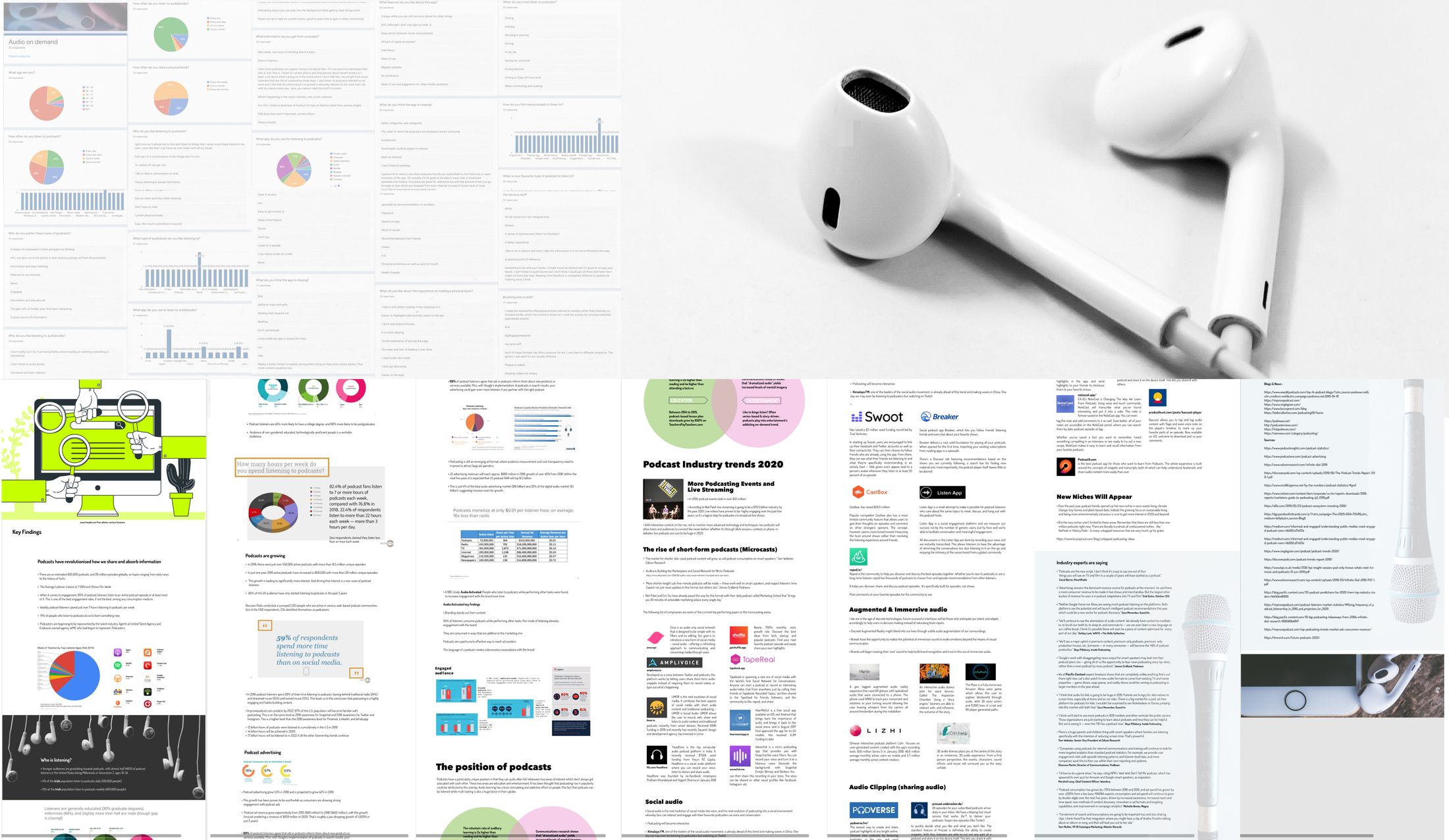
Research had two parts: a short survey of listeners about how they consume and study from audio (around two dozen responses, so I treat it as directional rather than robust), and desk and market research into how existing tools handle audio. I looked at how podcast apps, note-taking tools, read-it-later apps, and university learning tools break down once audio has to become study material.
Together, the survey and the desk research pointed to five conclusions, each of which shaped a feature.
| What I concluded | Design response |
|---|---|
| Audio is easy to consume but hard to capture | A fast clip action inside the player |
| Whole episodes are too broad to be useful references | Save short timestamped clips, not whole files |
| Audio is hard to scan and search later | Generate a transcript for each clip |
| Shared links carry no context | Timestamped comments tied to the exact moment |
| Study activity could feel exposing once social (a hypothesis I later tested) | Private/public controls |
The first version of Jess tried to be too much — discovery, social feeds, live broadcasting, premium courses. The most useful thing I did on this project was cut it back. I narrowed the MVP to one learning loop: capture a useful moment, give it context, and make it reusable. Everything that didn’t serve that was deferred.
| Decision | What it covered |
|---|---|
| Kept (MVP) | Player, clipping, transcripts, lab notes, study-buddy sharing, timestamped comments, private/public controls |
| Simplified | Topic onboarding, discovery, text-to-speech upload |
| Deferred | Live broadcasting, AI radio, premium courses, friends feed, profiles |
Four rounds of sketches show the narrowing in practice — the app moving from a broad podcast structure toward a focused clip-and-notes tool. Step through them; click a sketch to enlarge.
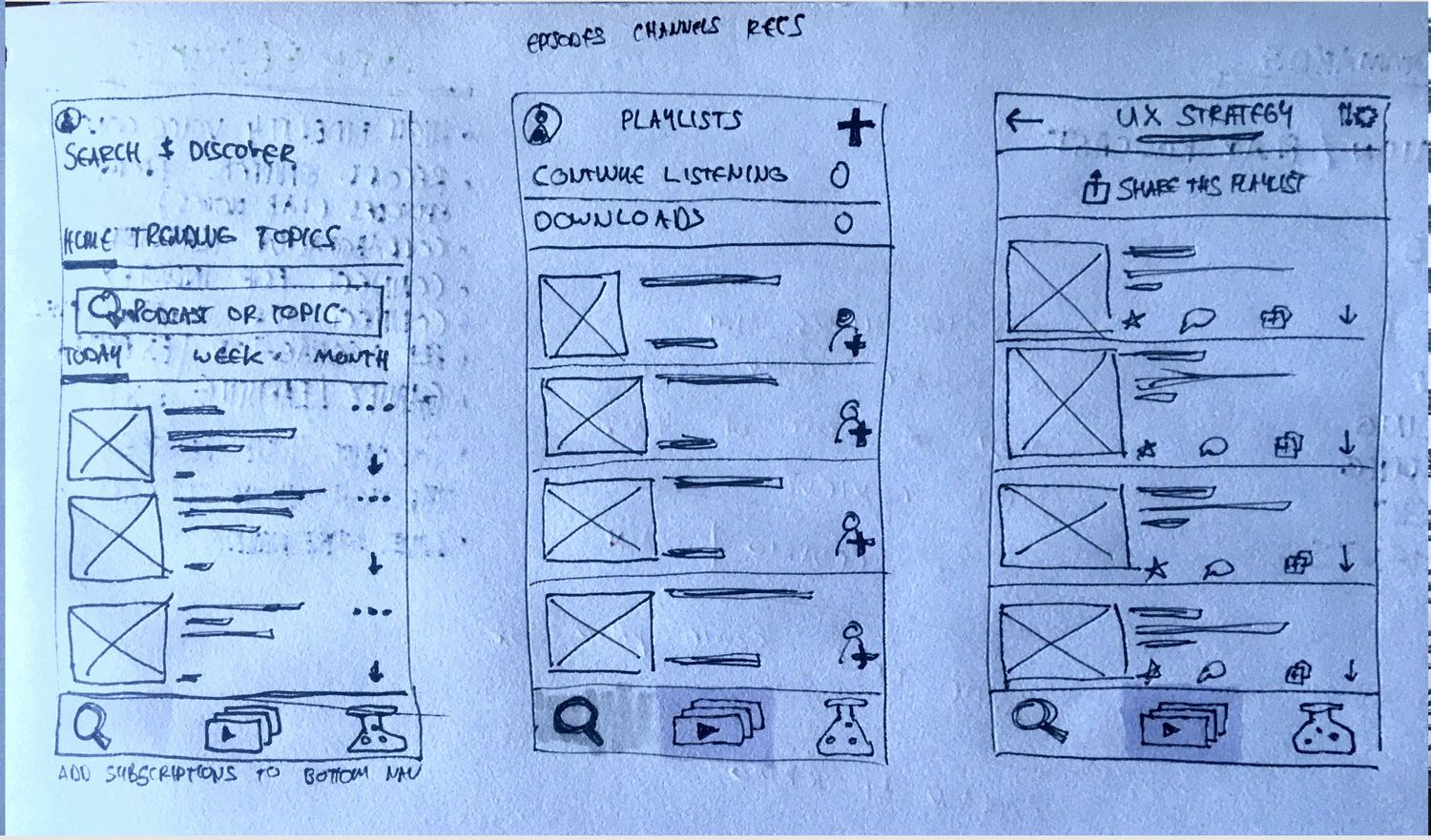
The walkthrough follows one student from hearing something useful to reusing it later. Step through it below.
The MVP comes down to a single cycle that turns listening into reusable, shareable study material.
I ran 3 informal usability sessions with friends who were students at the time. They weren’t formally recruited, so I treat them as directional rather than conclusive.
One signal stood out: a participant was uncomfortable that their study activity might be visible to others by default. That reinforced a decision I’d been weighing — to give students explicit private/public control over clips, notes, and playlists, rather than assuming a social-by-default model.
I treated Jess as a multimodal study tool, not an audio-only app — students should be able to listen, read transcripts, search saved clips, and comment in text or audio.
These would need real work before Jess could be more than a concept:
Jess stayed a concept, so there are no adoption or usage numbers to report.
The real outcome was a decision: the strongest version of Jess wasn’t a broad social audio platform, it was a focused workflow for capturing, organising, and discussing spoken knowledge. Narrowing it was the part I’d point to as the actual UX work.